
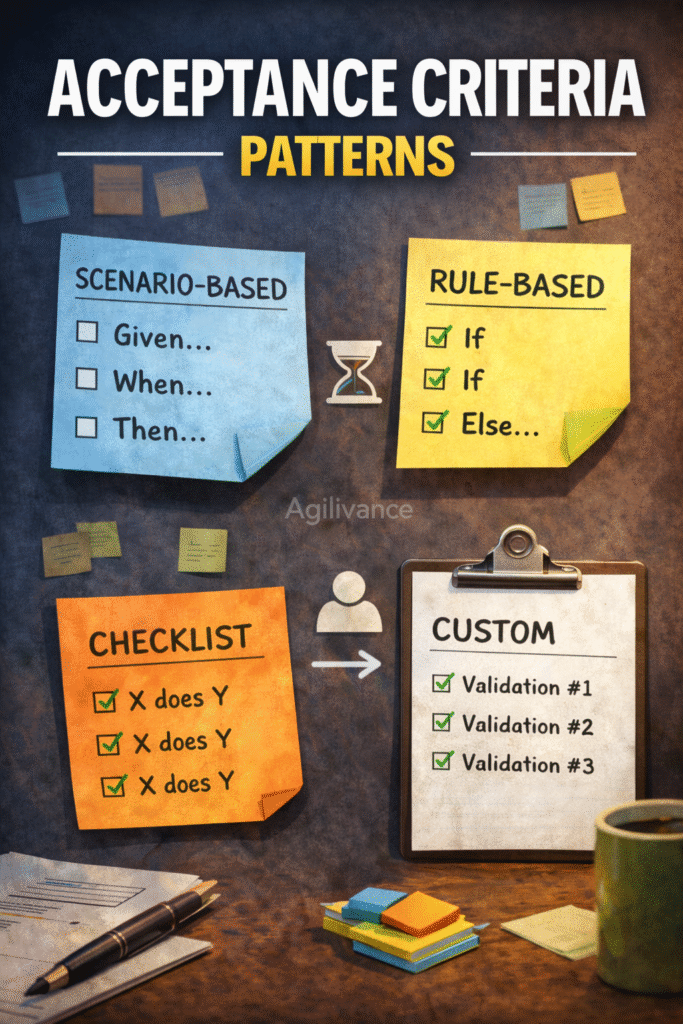
Given/When/Then & Simple Alternatives (With Examples)
Acceptance criteria is not documentation for its own sake. It is a shared agreement that prevents rework and protects quality-especially when work is sliced across multiple people.
This guide gives you practical, vendor-neutral patterns you can reuse, plus safe examples (not full solutions).
Who this is for: Product Owners, QA, Developers, Scrum Masters
Use this when: Stories are misunderstood, QA usually finds “surprises,” or “Done” keeps getting debated
Examples are illustrative and do not represent complete project solutions.
What acceptance criteria should do (in one line)
Acceptance criteria should answer:
- What must be true for this item to be accepted as done (to DoD), and how will we verify it?
If your criteria does not help someone verify the outcome, it is not acceptance criteria.
Minimum acceptance criteria (the “3-line rule”)
For most work, you need at least:
- Happy path: what success looks like
- Edge case: one failure/alternate scenario
- Validation: what we check to confirm it worked
This avoids the common failure of writing “AC” that is just restating the title.
Pattern 1: Given / When / Then (GWT)
Use GWT when behaviour depends on context or user actions.
Template
- Given (starting condition)
- When (action/event)
- Then (expected outcome)
Example (generic)
- Given a user is signed in
- When they submit a form with missing required fields
- Then they see a clear validation message and the form is not submitted
Why this works: it’s testable and observable without exposing a full system design.
Pattern 2: Rules and Examples (best for business logic)
Use this when outcomes depend on rules.
Template
- Rule: what must always be true
- Examples: 2–3 examples that demonstrate the rule
Example
- Rule: A request cannot be submitted unless required fields are provided
- Examples:
- Missing field → show validation message
- All required fields present → request can be submitted
Pattern 3: Checklist acceptance criteria (best for “small UI” or simple changes)
Use a checklist when behaviour is straightforward.
Template
- The user can do X
- The system shows Y
- Errors are handled with message Z
- Logging/notification is updated if applicable
Example
- User can update profile information
- Confirmation message is shown
- Invalid input shows a clear error message
- Changes persist after refresh
Pattern 4: Non-functional acceptance criteria
Use this pattern when performance/security/reliability matters. Keep it lightweight and measurable.
Template
- Performance: “Response time under X for Y scenario”
- Security: “Unauthorized users cannot access Z”
- Reliability: “No critical errors in standard usage path”
Example
- Unauthorized users cannot view protected information
- Common action completes within an agreed time limit in standard conditions
Pattern 5: Learning criteria for spikes (exploratory work)
Spikes should not have “feature acceptance criteria.” They should have learning outcomes.
Template
- Identify top risks/unknowns
- Produce a short recommendation (options & trade-offs)
- Define next-step stories/slices
- Share findings with the team
Example
- Document 2–3 possible approaches
- List key risks and dependencies
- Recommend next steps for implementation
Good vs bad acceptance criteria
Example A
Bad: “Works as expected.”
Rewrite:
- User can submit with valid input
- Missing input shows a validation message
- Successful submission shows confirmation
Example B
Bad: “Build export feature.”
Rewrite (GWT):
- Given user has permission
- When they request export
- Then they receive a downloadable file and errors are clearly messaged
Example C
Bad: “Improve search.”
Rewrite (rules & examples):
- Rule: irrelevant results should not appear in top results for common queries
- Example: for a basic query, relevant items appear first (validated by agreed examples)
Common mistakes (and fixes)
Mistake 1: Acceptance Criteria repeats the title
Fix: write outcomes and verification, not restatement.
Mistake 2: Acceptance Criteria describes implementation (“use library X”)
Fix: describe observable behaviour, not how it’s coded.
Mistake 3: Acceptance Criteria ignores errors/validation
Fix: add at least one edge case.
Mistake 4: Acceptance Criteria is too big (10+ long paragraphs)
Fix: slice the story; keep AC focused and testable.
How acceptance criteria connects to DoR and DoD
- DoR: a story should not enter a sprint without at least minimal AC (unless it’s a spike).
- DoD: AC with DoD together define “Done with quality.”
This reduces “dev done” vs “real done” conflict.
Quick acceptance criteria checklist
Before pulling an item into the sprint:
- AC includes at least one success scenario
- AC includes at least one validation/error scenario
- AC is observable/testable (not “works fine”)
- AC avoids implementation details
- AC is small enough to complete within the sprint (or the work is sliced)
FAQs
How many acceptance criteria should a story have?
Enough to verify the outcome—often 3–7 bullets is sufficient. If you need 20+, the story is likely too big.
Should the Product Owner write acceptance criteria alone?
PO can draft, but the best AC is collaborative (PO , Dev and QA). It prevents rework.
Are acceptance criteria mandatory for every item?
For delivery work: yes, at least minimal. For spikes: use learning criteria instead.
Next steps
Recommended reading: